Logo
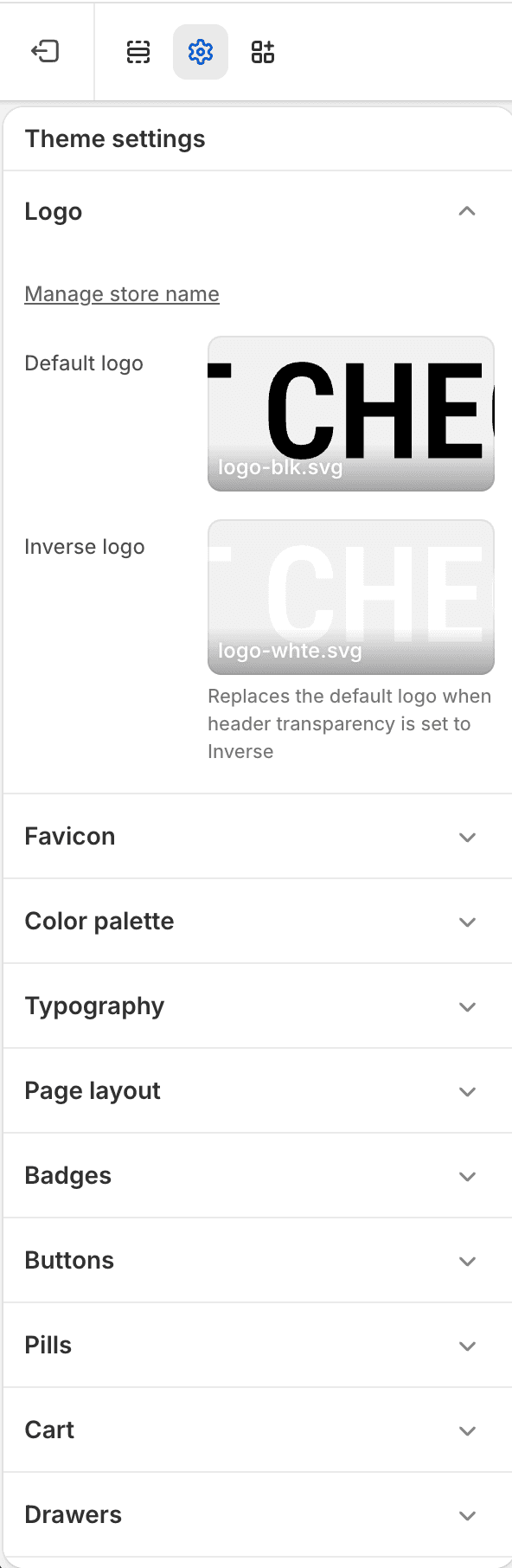
The Logo Theme settings group contains the storefront logo assets used by Fit Check.
| Setting | Use it for |
|---|---|
| Default logo | Main store logo used in standard header and brand placements. |
| Inverse logo | Alternate logo used for inverse transparent header states and other global logo placements that request the inverse asset. |
Notes
- Upload transparent PNG or SVG assets when the logo needs to sit on varied backgrounds.
- Review header, footer, and overlay surfaces after changing logo assets.