Installation
Learn how to install and set up Fit Check on your Shopify store.
Installation Paths
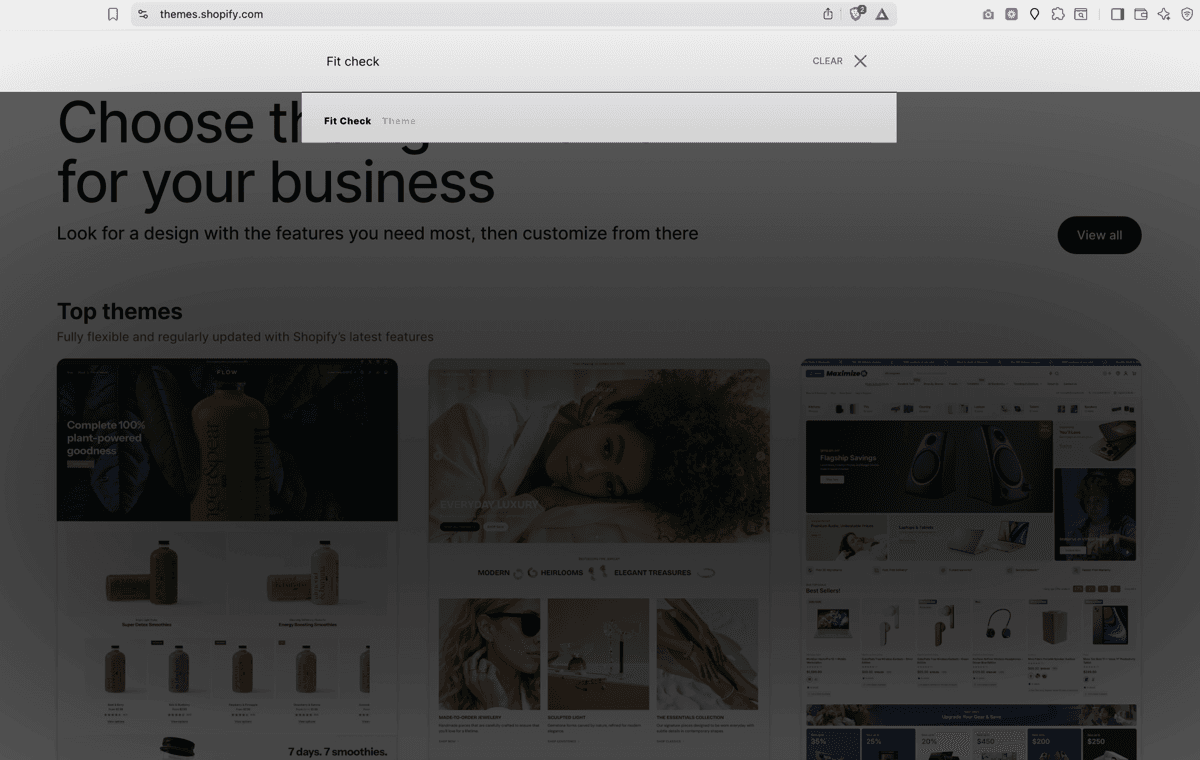
When Fit Check is available in the Shopify Theme Store, install it from the official listing so theme updates remain available through Shopify admin.
- Go to the Shopify Theme Store and search for Fit Check.
- Open the official Fit Check listing.
- Follow the listing prompts to add the theme to your Shopify theme library.
- Keep Fit Check as a draft theme while you complete setup, preview, and publishing checks.
Pre-launch Setup
Before publishing Fit Check, keep all setup changes in a draft theme. This lets you configure global settings, templates, sections, product data, search, and cart behavior without changing the live storefront.
- In Shopify admin, go to Online Store > Themes.
- Find the Fit Check draft theme in your theme library.
- Click Customize to open the theme editor.
- Follow the Setup Checklist.
- Use Preview to review desktop and mobile storefront behavior before publishing.
Upload a Theme Package
Use manual upload if Fit Check support provided a .zip package directly or if the Theme Store listing is not available for your store yet.
- In your Shopify admin, go to Online Store > Themes.
- Click Add theme and select Upload zip file.
- Select the Fit Check
.zipfile and wait for it to upload. - Once uploaded, click Customize to open the draft in the theme editor.
After Adding the Theme
- Preview your theme — Click Preview next to the theme name to see how it looks with your existing content.
- Customize settings — Click Customize to open the theme editor and configure global settings like colors, typography, and layout.
- Follow the setup checklist — Work through Setup Checklist, Global Settings, and the key template references before publishing.
- Publish — When you are ready, click the … menu and select Publish to make Fit Check your live theme.
Requirements
- A Shopify store on any plan (Basic, Shopify, Advanced, or Plus).
- No third-party apps are required for the core theme experience. Optional features such as subscriptions, reviews, loyalty, or advanced merchandising can be added with Shopify apps that fit your store’s needs.