Showcase
A flexible layout section for featuring content in rows or columns. Use it as a building block for custom page layouts - combine text, images, buttons, and other blocks in any arrangement.
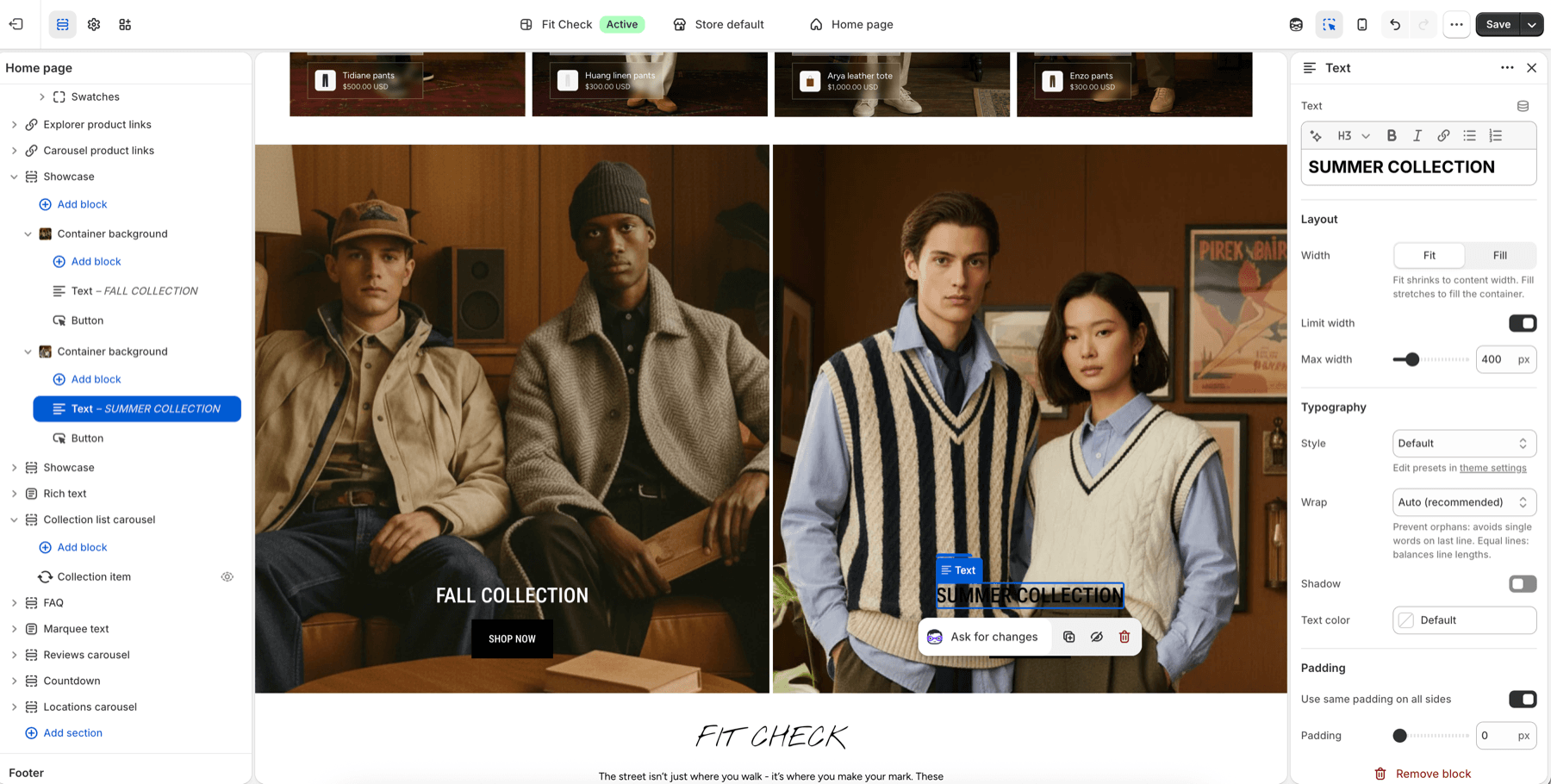
Configure the Section
- In the theme editor, click Add section.
- Select Showcase.
- Add blocks to build your layout.
Section Settings
| Setting | Description |
|---|---|
| Section width | Page width, Full width, or Custom (60-100%). Default: Page width. |
| Section height | Auto, Full screen, or Custom. Default: Auto. |
| Custom height | When using Custom height, choose Small, Medium, Large, or a custom percentage (0-100%). |
| Content direction | Column (stacked) or Row (side by side). Default: Row. |
| Stack on mobile | Collapse row layout to stacked on mobile. Default: On. |
| Horizontal alignment | Align content horizontally - Start, Center, End, or Space between. Default: Center. |
| Vertical alignment | Align content vertically - Start, Center, or End. Default: Center. |
| Content gap | Spacing between blocks. Range: 0-100px. Default: 12px. |
| Padding | Top and bottom padding. Range: 0-100px. Default: 32px. |
Blocks
This section supports all theme blocks and app blocks, giving you full flexibility to compose any layout.
Common Showcase blocks include image containers, text, buttons, dividers, accordions, product-link media, and app blocks.