Badges
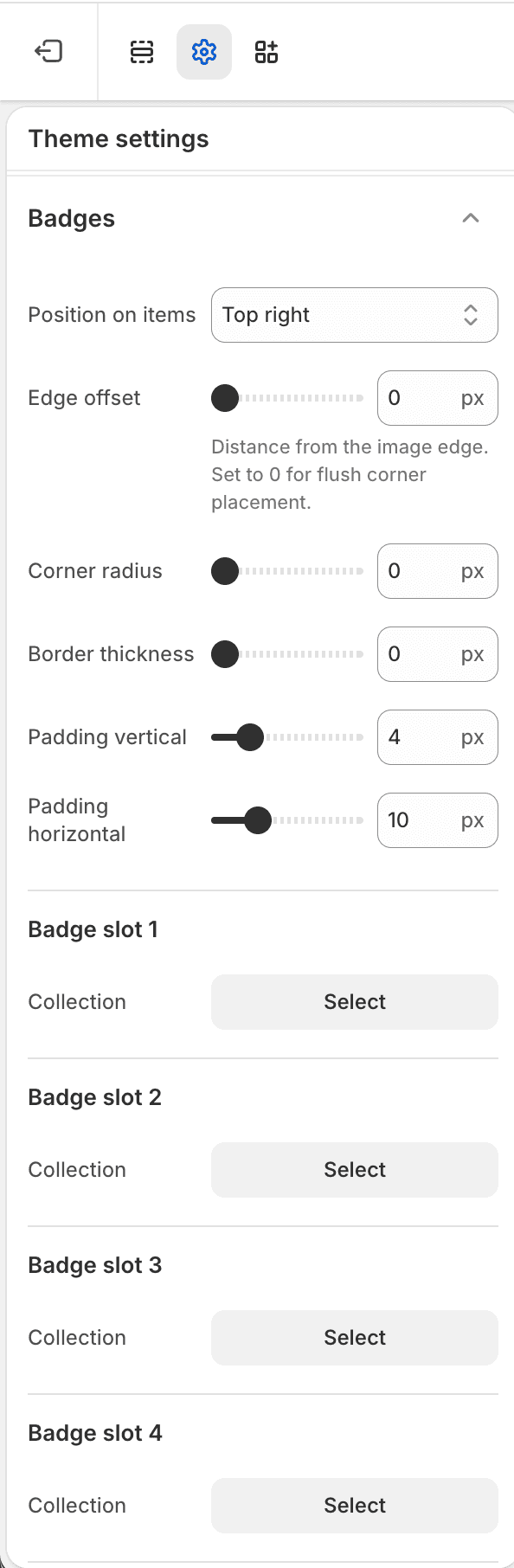
The Badges Theme settings group controls product badge placement, shape, custom collection badges, badge colors, labels, and badge typography.
| Area | Settings |
|---|---|
| Position and spacing | Badge position, edge offset, corner radius, border width, and padding. |
| Custom badges | Up to four collection-based badge slots with optional label overrides. |
| Built-in badge colors | Sale, sold-out, search-result, and custom badge background/text colors. |
| Built-in badge labels | Sale and sold-out label text. |
| Typography | Badge font slot, size, weight, text case, and letter spacing. |
Notes
- Custom collection badges use the selected collection membership; leave the label override blank to use the collection title.
- Search-result badge colors apply to non-product search result cards.