Favicon
The Favicon Theme settings group contains the browser-tab icon for the storefront.
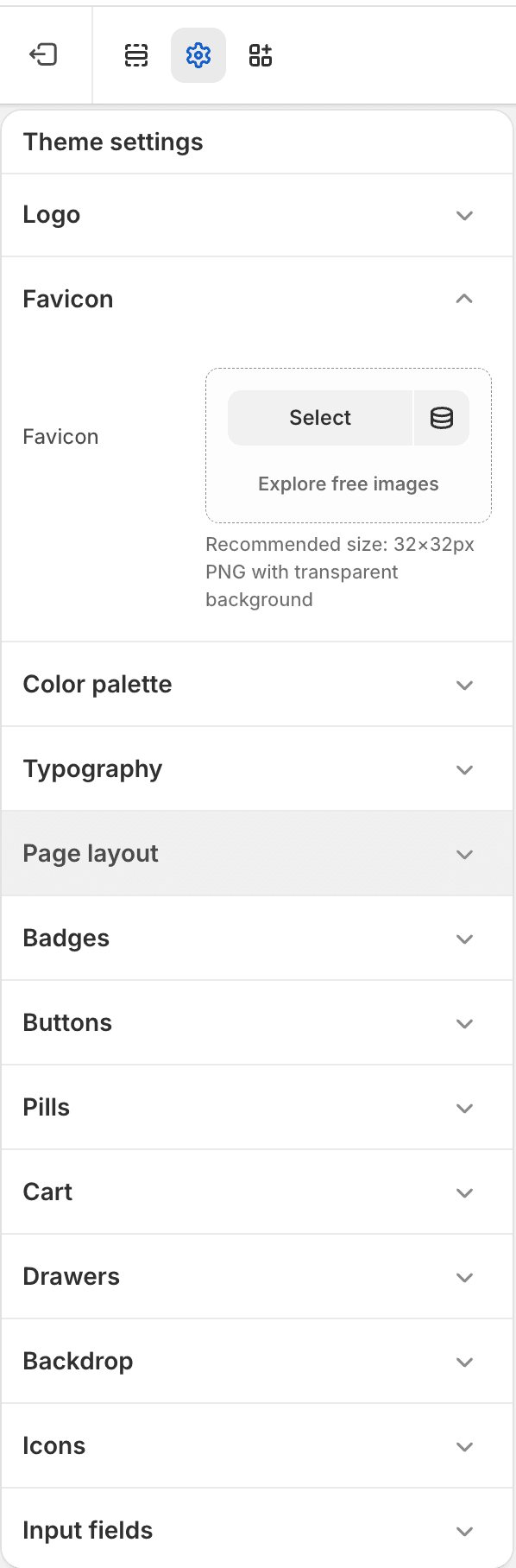
| Setting | Use it for |
|---|---|
| Favicon | Small square icon shown in browser tabs, bookmarks, and browser UI. |
Notes
- Use a simple square asset; 32 x 32px is the practical minimum.
- Keep this asset visually related to the default logo but readable at small sizes.