Setup checklist
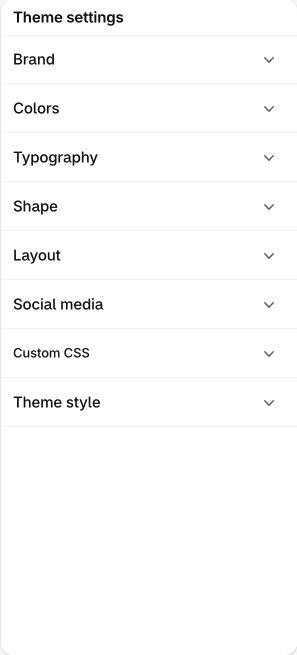
- Set store-wide defaultsAdd your logo and favicon. Set a color palette, fonts, corner shapes, content width and section spacing.
- Connect shared navigationSelect the main and footer menus. Decide which account and localization controls are relevant to your store.
- Compose your Home pageReplace starter text, add Hero Book artwork, connect featured resources, and remove sections or chapters you do not need.
- Test product choicesCheck variant price, media and availability. Configure purchase options, app blocks and pickup where your store offers them.
- Configure discoveryChoose which catalog filters you offer. Test suggestions, Search, Collection and the Hero Sphere grid with real products.
- Preview before publishingCheck mobile and desktop, keyboard navigation, reduced motion, account entry, cart, checkout and each active market.
Review your content
Test links, image alt text, readable contrast, long names, focus visibility and video captions. Use a permitted payment test method to complete a test order when the store supports it. Keep approved policies and support contact details easy to find.
Continue with Theme settings, Home, and Cart and checkout.