Typography
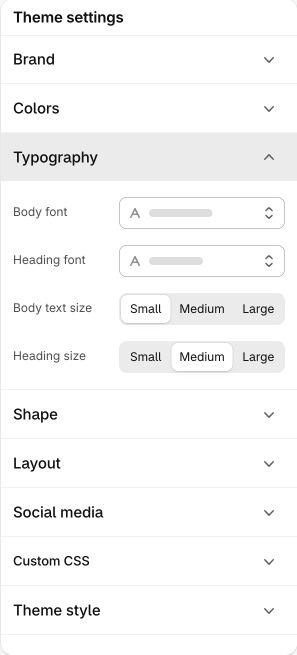
Open Theme settings → Typography. Choose a Body font, Heading font, Body text size, and Heading size. The portable defaults use Figtree for body text and Gluten for headings.
Review the result
Choose fonts that support your store’s published languages. Check long product names, translated headings, buttons, and normal body copy on a narrow display. Preview the cover and chapter headings in Hero Book after changing global fonts or sizes. The Book also has its own cover and paper type sizes.