Gallery image
Add one image, credit, or destination to a gallery page.
Available in Hero Book.
Set up the block
Open either page, add Gallery image, then set its image and optional caption and link.
Open Gallery chapter to find this block in context.
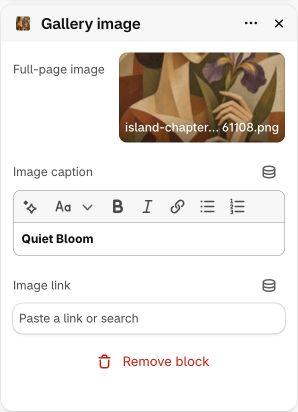
Settings overview
| Setting | Description | Options |
|---|---|---|
| Full-page image | Selects the artwork shown in the block or on the spread. | Shopify image picker. |
| Image caption | Adds a caption or credit beneath the content. | Formatted text. |
| Image link | Sets the image’s destination. A blank link opens the image preview. | Shopify link picker or URL. |