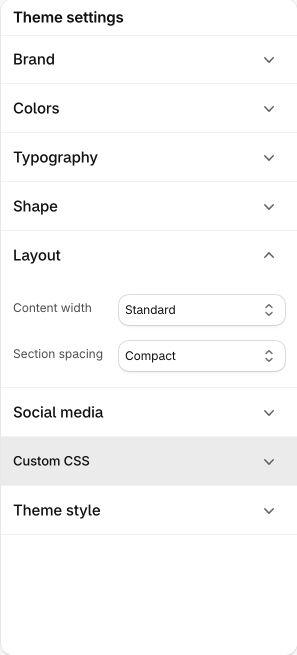
Brand, shape and layout
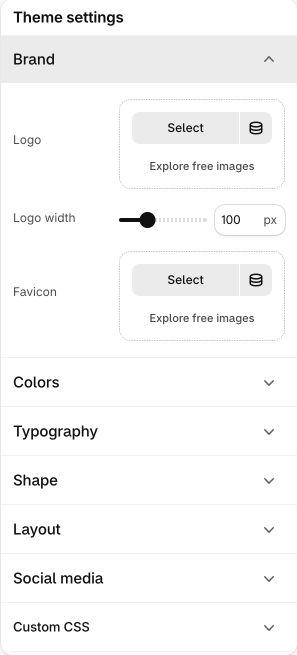
Brand
Use Logo and Logo width to set the storefront identity. Choose a Favicon for the browser tab. Check your logo on light surfaces and on the smallest mobile header.
Shape and layout
Choose the shared corner shapes for Buttons, Cards, and Forms. Content width and Section spacing set the normal spacing system. Preview Home, Product, Collection, and Cart together after changing these defaults.
Social media
Add the full profile addresses you want your footer to show. Available fields cover Instagram, YouTube, TikTok, Pinterest, Facebook and X. Leave unused profiles blank.