Home page
The starter Home template opens with Hero Book, followed by Featured products, Hero Sphere, Occasion cards, Rich text, Hero Media, Featured product, Hero Split, and Featured journal. Edit the Header and Footer in their shared groups.
Connect the starter sections
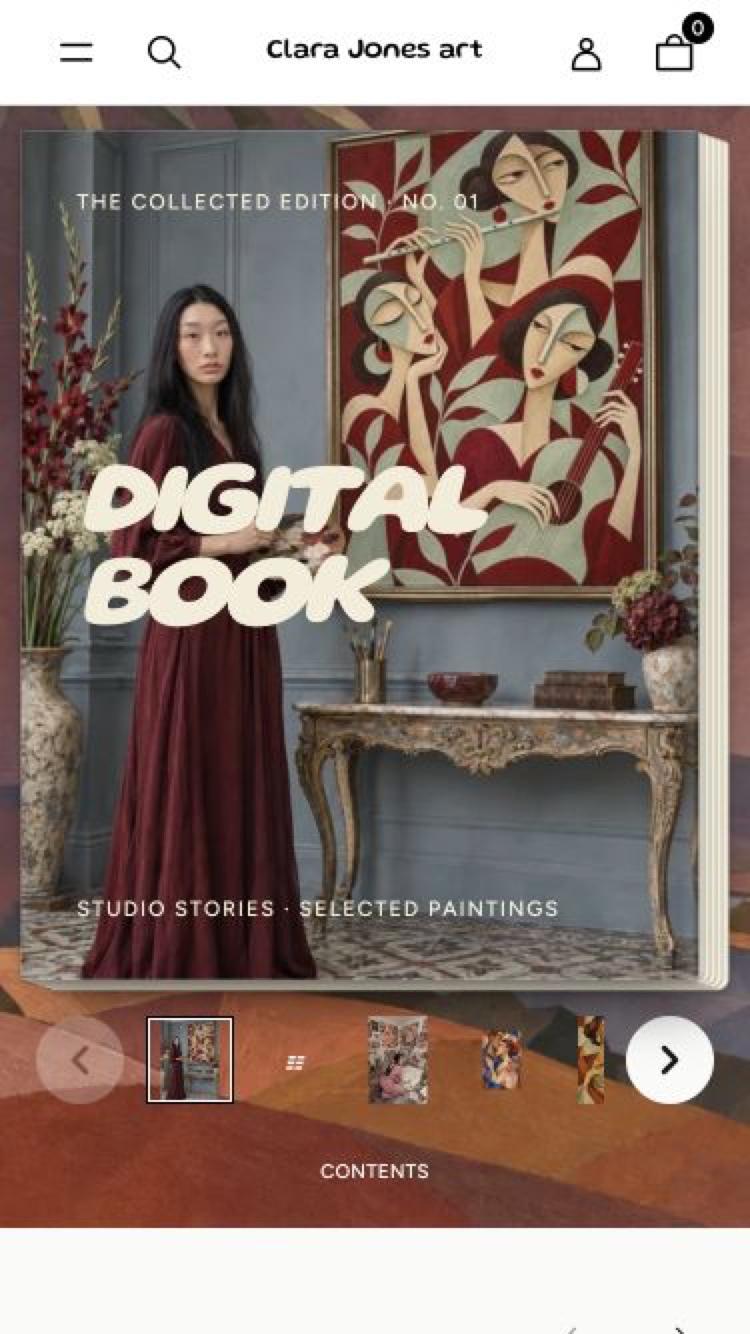
Start with the Hero Book cover and chapters. Add your artwork and decide how many chapters to keep. Connect a Featured product and select collections or editorial images for Hero Sphere.
Add an image and link to each Hero Split panel. Set Featured journal articles in editorial order, with the lead article first. Remove starter copy that no longer applies to your store.
Preview the completed page at several widths. Check the first heading, all primary actions, image crops, video controls, and the storefront after interactive sections fall back to their simplest view.