404 page
Help shoppers recover when a storefront URL is unavailable.
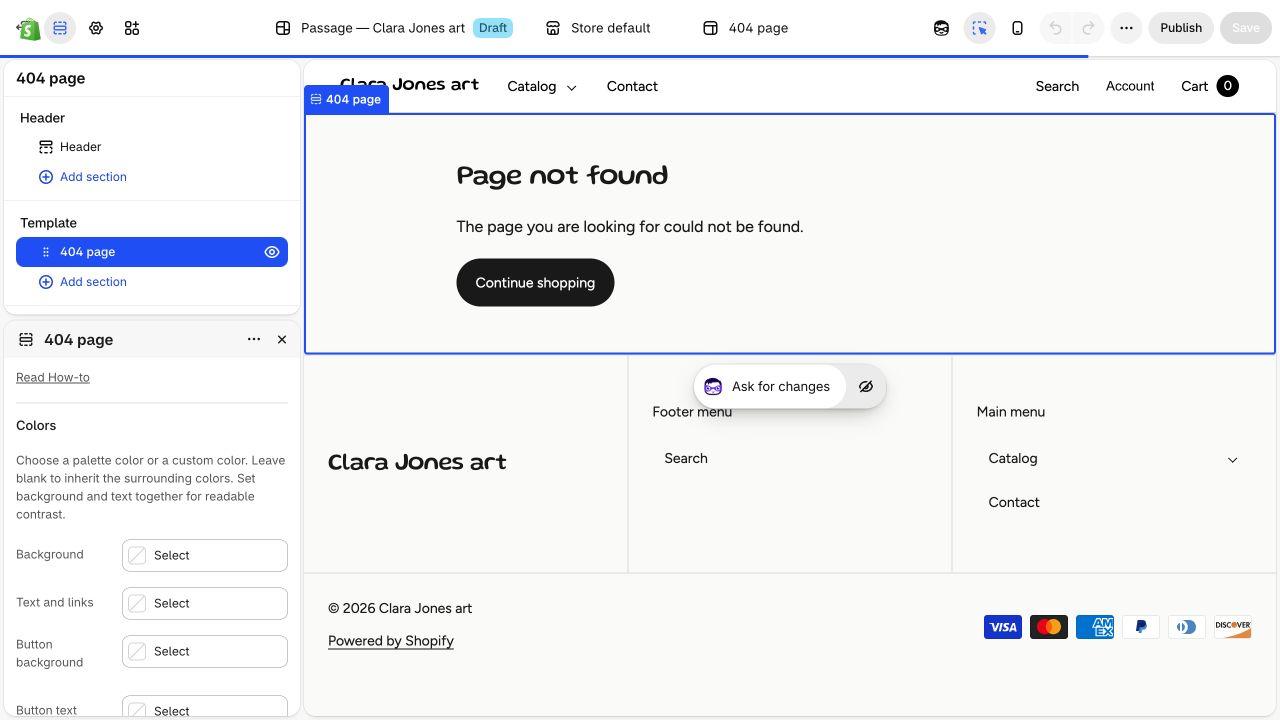
How to customize
Choose the 404 template in the editor. Apply your color pairs and check its text and return action. Open a missing storefront URL to test the actual customer path.
Settings overview
| Setting | Description | Options |
|---|---|---|
| Background | Sets the section background. Leave blank to use its inherited color. | Palette color or custom color. |
| Text and links | Styles the section’s text and links. Check it against the background. | Palette color or custom color. |
| Button background | Sets the action button fill where this section displays a button. | Palette color or custom color. |
| Button text | Sets the button label color. Choose a color that reads clearly on the button fill. | Palette color or custom color. |