Languages and markets
Passage ships with English storefront and editor text. Translate your authored section settings, products, navigation, pages, blog content, and policies using Shopify’s translation workflow. Check the storefront while previewing each published language and market.
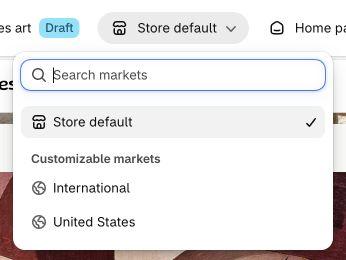
Show localization controls
- In Header, enable Show country and language.
- In Footer, enable Show language selector and Show country selector as needed.
- Shopify supplies the available languages, markets, countries, currencies, and eligible payment options. Selectors appear when there are multiple relevant choices.
Check translated menu labels, line breaks, prices, cart messaging, and layout direction on a narrow preview. Test a real conversion path in each market you serve.