Occasion
Add one destination to the Occasion cards rail.
Available in Occasion cards.
Set up the block
Choose an image and write a label that tells shoppers what the link opens.
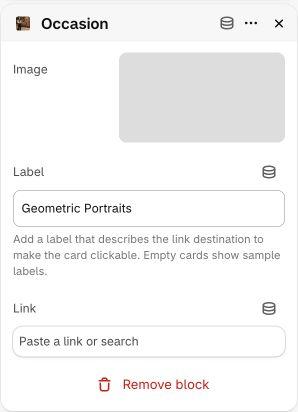
Settings overview
| Setting | Description | Options |
|---|---|---|
| Image | Selects the artwork shown in the block or on the spread. | Shopify image picker. |
| Label | Sets the label that identifies where the card links. Add a label that describes the link destination to make the card clickable. Empty cards show sample labels. | Plain text. |
| Link | Sets where the link opens. | Shopify link picker or URL. |