App blocks
Add a block provided by a compatible Shopify app.
Available in Custom section, Hero Split, Hero Sphere, Featured products, Featured collection, Featured product, Product, Hero Book.
Set up the block
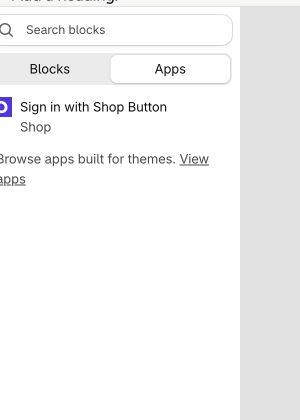
Open Apps in the Add block menu and select the installed app’s block. In Hero Split, add it inside a Panel. In Hero Book, add it inside a Custom chapter page. Configure the block using the app’s own documentation.
Settings overview
| Setting | Description | Options |
|---|---|---|
| No Passage settings | Settings depend on the installed app. | — |