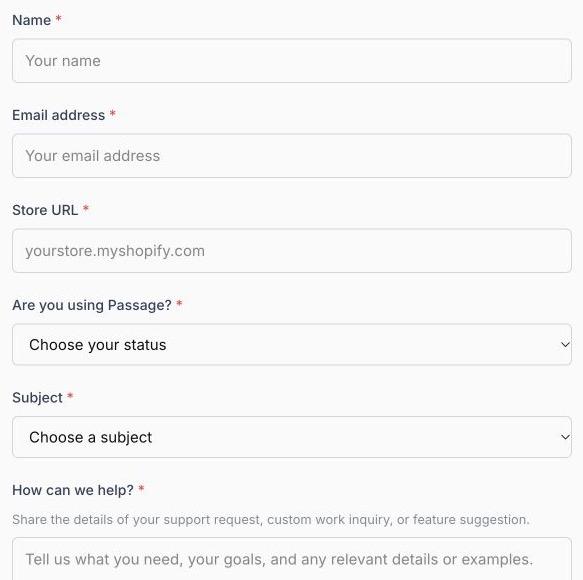
Contact Passage support
Ask Juliano Group about Passage setup, settings, or an issue on your storefront. Try the FAQ or locate the relevant template or section in the documentation first.
Before contacting support
Check FAQ and troubleshooting for common issues. If you’re setting up Passage for the first time, follow the Setup checklist.
What to include
Share the theme version, affected page URL, steps to reproduce the issue, and what you expected to see. A screenshot can help. Keep passwords, gift-card codes, and payment details out of your request.
Send a request
App and Shopify questions
If the behavior originates in a third-party app or Shopify service, contact that provider for its configuration or billing. If they identify a theme-side issue, include their findings in your message.