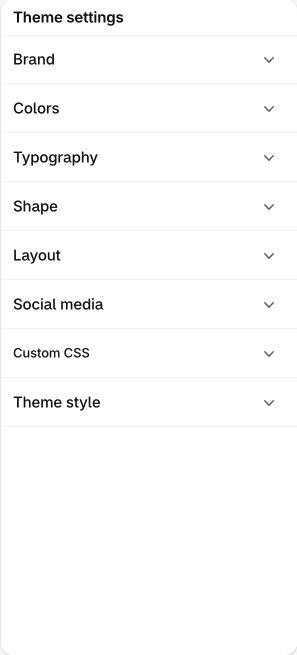
Theme settings
Open the gear icon in the theme editor to set defaults that apply across Passage. Start with the global controls, then review individual section overrides.
| Group | What it controls |
|---|---|
| Brand | Logo, Logo width, and Favicon. |
| Colors | Palette and foreground/background pairs for the page, surfaces, and buttons. |
| Typography | Body and heading fonts and sizes. |
| Shape, Layout and Social media | Button, card and form shapes, content width, section spacing, and social links. |
See Brand, shape and layout for a global setup walkthrough.