Cart and checkout
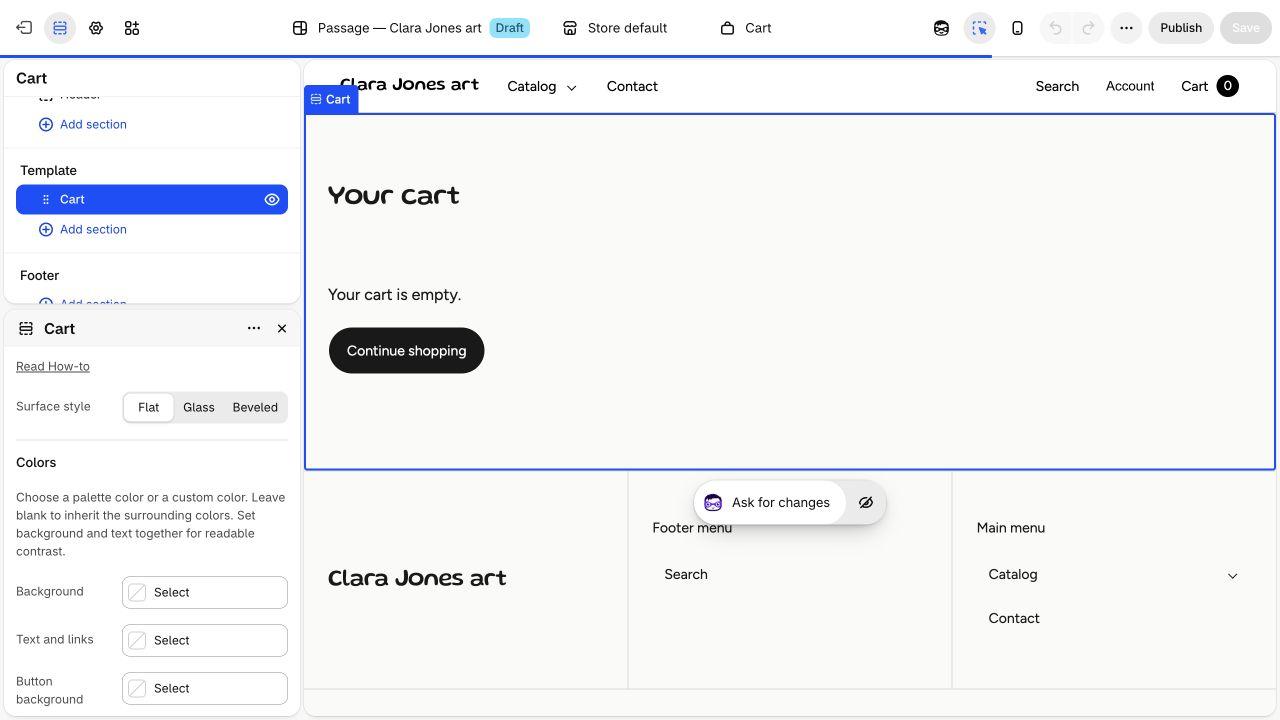
Preview both the full Cart page and the cart drawer opened through the header. Add at least one product variant, change the quantity, enter an order note where offered, and remove a line.
What Shopify supplies
The cart displays selected variants, configured selling plans, visible custom line details, discounts, unit prices, and Shopify’s subtotal. Checkout controls payment, shipping, taxes, and pickup selection. Accelerated methods and installments depend on your store and shopper eligibility.
Try the flows you use
- Complete a test order with your store’s approved test payment method.
- For subscriptions, confirm the plan and amount after variant switches and in the cart.
- For local pickup, check the selected variant’s enabled locations and verify the choices presented in checkout.
- For gift products, check recipient email and optional scheduled delivery. Shopify validates and sends the gift.
- For customer accounts, use the header account control on desktop and mobile to verify the Shopify account flow.
See Cart template and Product blocks.