Search and filters
Use Shopify Search & Discovery to add the filters that match your catalog. Options and product data determine which values a customer can select. Preview representative products and queries after configuring filters.
Check the shopping flow
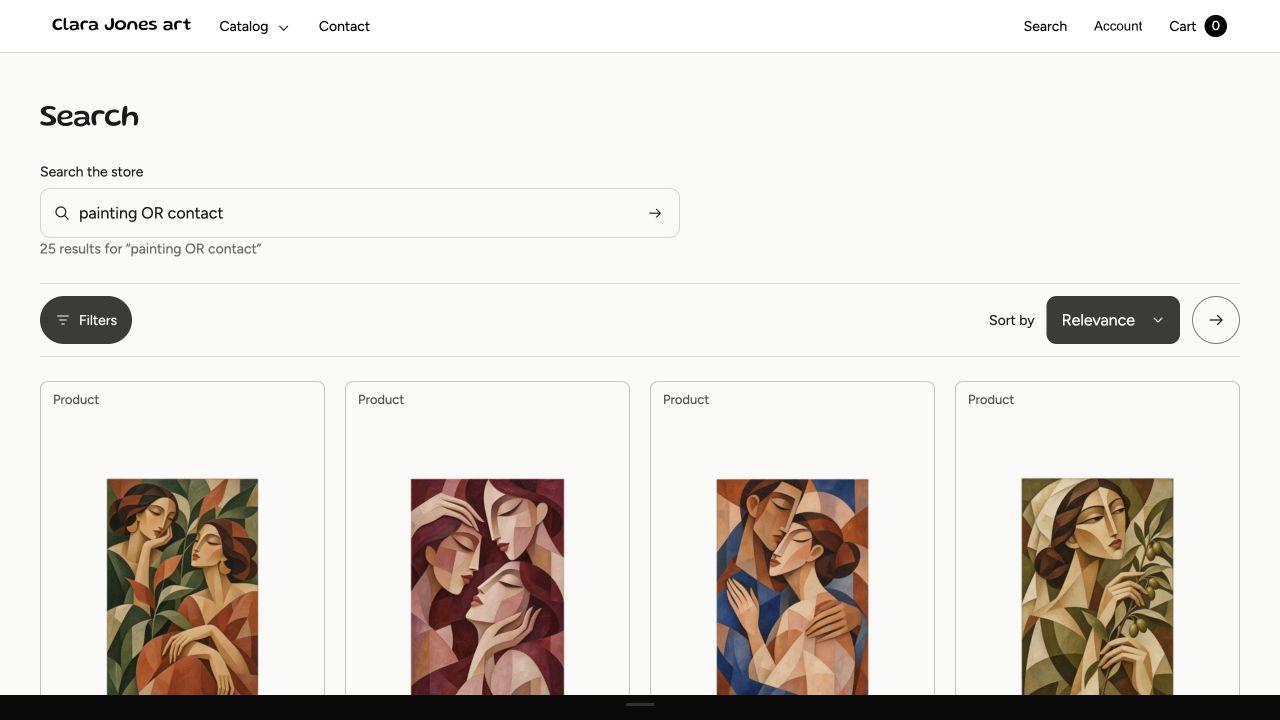
Use the Search control in the header to try suggestions. Arrow keys move through available suggestions, Enter chooses one, and Escape dismisses the suggestions or closes the panel. Ordinary search submission is also available.
On Collection and Search, choose a filter value and select Apply. Check the applied filter, use its removal link or Clear filters, and verify sorting preserves the filter selection. Try a search with no matches and one with products and content.