Products and variants
Create option values such as Size, Material, or Color in Shopify. Give variants their own prices, availability and media where needed. Passage uses Shopify’s selected variant for the purchase state.
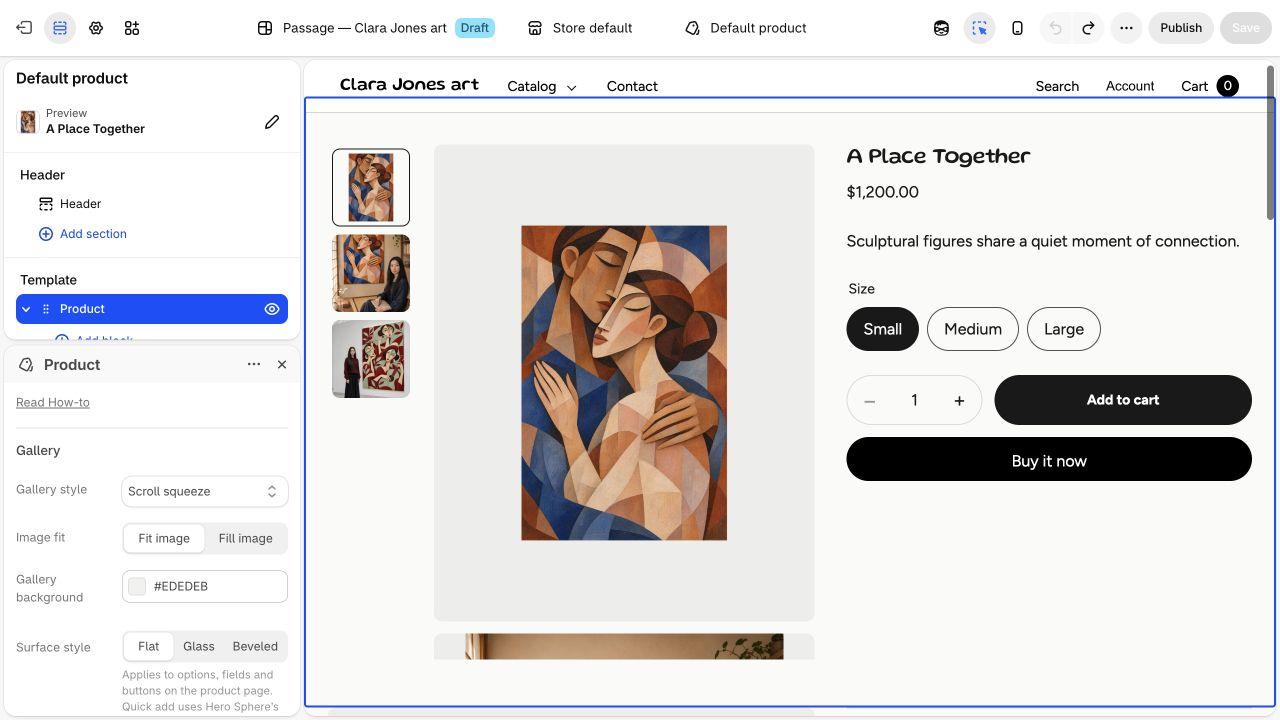
Check a representative product
- Preview a product with multiple options in the Product template.
- Select a different option and confirm the price, availability, and selected media.
- Try a sold-out or unavailable combination and check the buying controls.
- Open the product from a filtered collection. A card that links to a particular variant should open with that variant selected.
- Add the selected item to the cart and verify the details match.
Use purchase options and app blocks
Show theme purchase options in Buy buttons displays available Shopify selling plans. If an app provides the plan selector, place its app block and turn off the theme selector in that section. Test the first Add to cart, variant switching, plan prices, and recurring-cart details in the actual app.
Send shoppers to the full product page when the purchase requires app or custom inputs. See Product blocks for the editor controls.