Images and video
Add product images, supported video and 3D models to products in Shopify. Use clear image descriptions. Product images can open in a larger viewer, and Shopify supplies supported video, model, and AR controls.
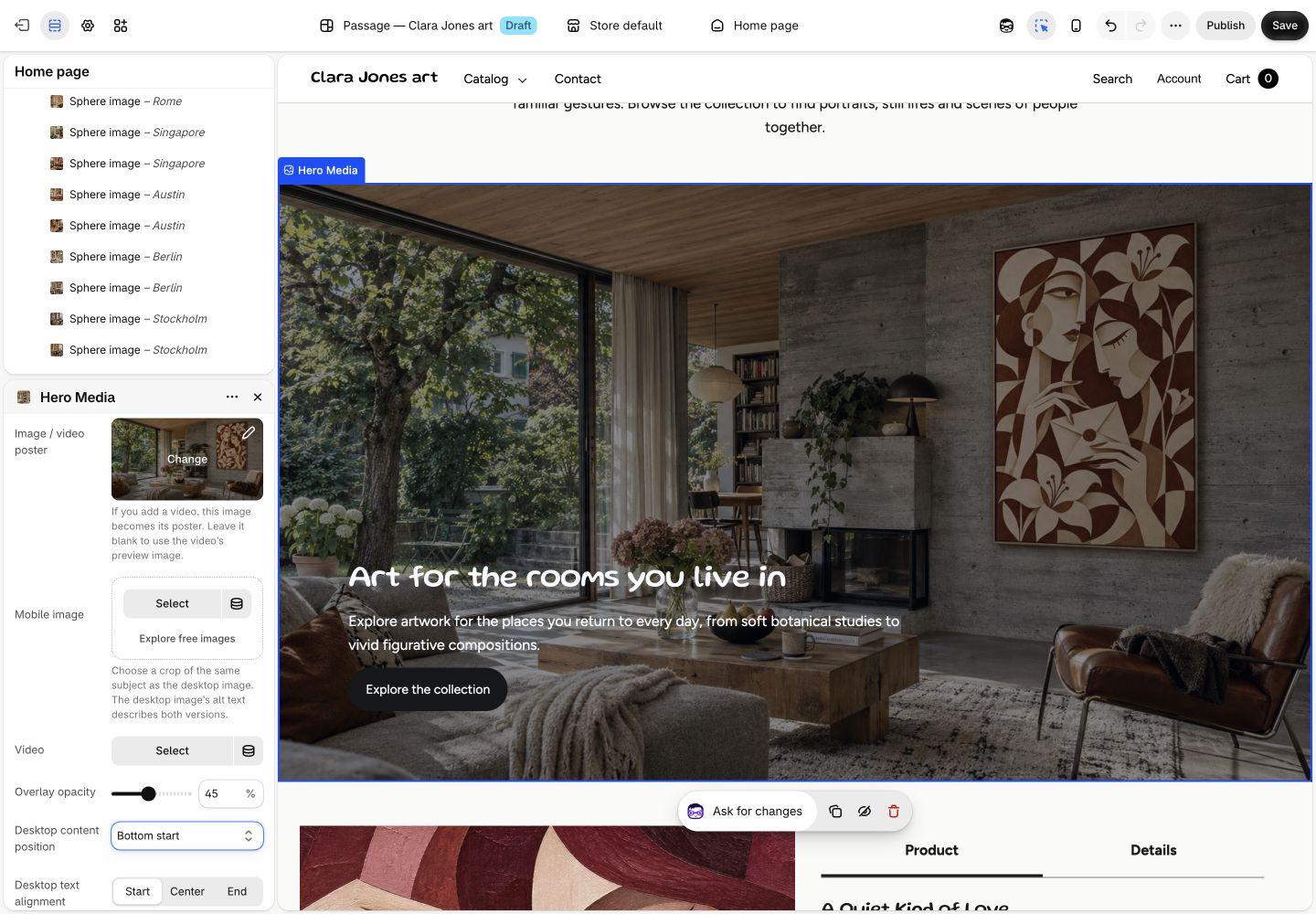
Choose media for the placement
- Hero Book. Choose cover artwork whose focal point still reads with the cover title over it. Check the cover and navigation at narrow widths.
- Hero Media. Supply the image or video poster first. Use Mobile image when a different crop better fits the small screen.
- Product. Choose Image fit for the gallery and preview tall and wide assets. Cropped card images follow the saved focal point.
- Cards. Fit image shows the full image within the card. Fill image fills the media area and can crop the edges.
Make video understandable
Provide captions for spoken content and a transcript or description where appropriate. Hero Media accepts a WebVTT caption URL, caption language code, and transcript. Test playback controls, reduced motion, and the still image shown before playback. Use decorative autoplay for background footage that works with muted audio.